

Local SEO helps a business appear when people search for a product or service in a particular area, such as a plumber, a bakery or a tax preparer. They may type a place or Google may infer local intent from their location. SEO stands for search engine optimization, the work of helping a website appear in search results.
This guide explains what local SEO is, how local results differ from regular results, what the work includes and how to tell whether your business needs it. MW Marketers sells Local SEO, so the section on who needs it also covers when you do not.
Local SEO makes your business easier to find in Google searches tied to a place, like “plumber near me.” It centers on your Google Business Profile, your website and your reviews. It suits businesses that serve customers in person. Businesses that operate entirely online and do not meet customers in person are not eligible for a Business Profile.
What is local SEO?
Local SEO is the part of SEO that helps a business appear in search results when the search has local intent. That intent may be explicit, as in “bakery in Austin,” or inferred from the searcher’s location, as in “bakery near me.” Google can answer these searches with a map and a short list of businesses, as well as regular web results.
In plain terms, regular SEO tries to make a page easy to find. Local SEO tries to make a business easy to find by people nearby. That is why it centers on a business listing and not only on a website.
What is a local SEO service?
A local SEO service is paid help with this work. At MW Marketers, our Local SEO service covers Google Business Profile setup and optimization, local keyword research, service and location pages, citations and listings, a review strategy and monthly ranking reports. MW Marketers sells this service, so we have an interest in how you read this guide. Everything else here applies with or without paid help.
How are map results different from regular results?
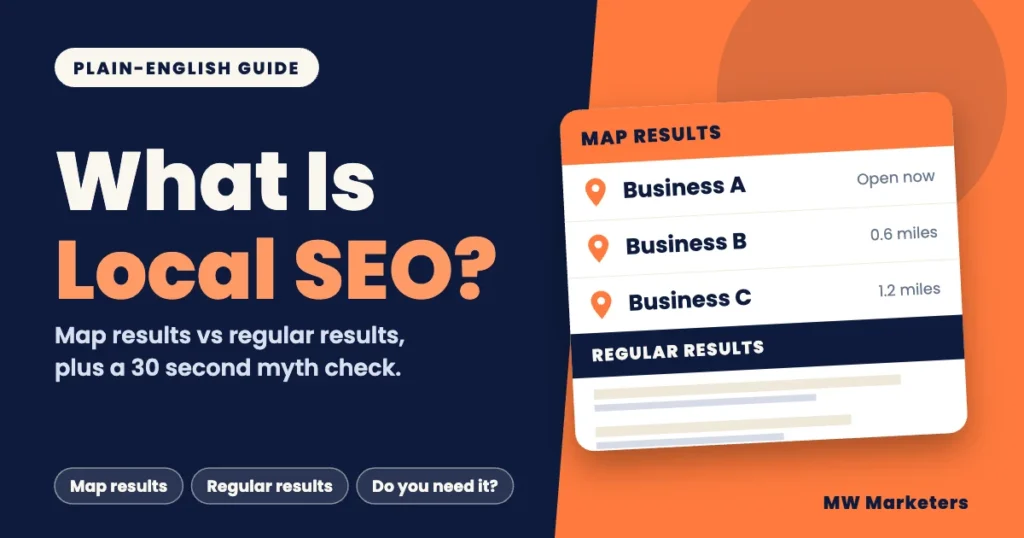
A local search can show two kinds of results. Map results list businesses. Regular results list web pages. The layout and order vary from search to search. A business can appear in both places, but the signals that influence each type of result are not identical.
Simplified comparison, not a complete picture of Google search results.
Map results
Businesses from Google Business Profiles
- Business AOpen now, 4.8 stars
- Business B0.6 miles away, 4.5 stars
- Business C1.2 miles away, 4.7 stars
Google says local results are mainly based on relevance, distance and prominence
Regular results
Web pages
- Page title oneexample-site-one.example
- Page title twoexample-site-two.example
Influenced by broader SEO factors such as content, links and technical quality
Google names three things it uses to rank local results. In Google’s words, relevance is how well a Business Profile matches what someone is searching for. Distance is how far each business is from the person searching. Prominence is how well-known a business is.
You can work on relevance and prominence. You cannot change distance, because it depends on where each searcher is. That is one reason a strong profile does not guarantee a spot on every search.
What is the difference between local SEO and regular SEO?
The two overlap, since a strong website helps both. The table shows where they differ.
| Question | Regular SEO | Local SEO |
|---|---|---|
| Main goal | Get pages to appear for searches from anywhere | Get a business to appear for searches tied to a place |
| Where you appear | A list of web pages | Map results and Business Profile listings, plus web pages |
| Main asset | Your website and its pages | Your Google Business Profile, where eligible, alongside your website |
| What decides ranking | Page content, links and technical health (author summary) | Relevance, distance and prominence (Google) |
| Best fit | Businesses targeting searches that are not mainly tied to one local area | Businesses tied to a place, such as a storefront or a service area |
The ranking row for regular SEO is the author’s summary. The row for local SEO comes from Google Business Profile Help, which describes relevance, distance and prominence as the main factors.
What does local SEO include?
Most of the work falls into four areas.
- Your Google Business Profile
This is a free listing that helps manage how your business information appears on Google Maps and Search. It can show your hours, website, phone number, location, photos and reviews. Completing the relevant fields accurately is a good first step. Our guides cover setting up each field of your profile and what to post on the profile.
- Your website
Your site should have useful pages for your main services and the locations you genuinely serve. Each page should give visitors specific information, not just repeat the same content with a different town name. Your business name, address and phone number should match your profile.
- Reviews
Google includes review count and ratings among the factors associated with prominence. Responding to reviews also shows customers how you handle feedback. Earning real reviews and answering them is ongoing work.
- Links and listings
Other websites linking to you add to prominence, Google says. Accurate listings of your business details on other sites are also part of local work, and they should match your profile.
If you want the actions in order, a prioritized list of local SEO actions comes next. To see where you stand today, use a 30 minute self audit of your local presence.
What does Google allow when I set up a business listing?
Local SEO only works when it follows Google’s rules. Breaking them can get a profile suspended. These points come from Google’s guidelines for representing your business.
- Real places only. A business needs a physical location customers can visit, or must travel to customers. A rented mailing address or virtual office does not qualify, and P.O. boxes and remote mailboxes are not accepted.
- Real names only. Use the name on your signage, website and stationery. Do not add taglines, hours, phone numbers, service descriptions or location words such as “near downtown”. Google warns that extra information could lead to suspension of the profile.
- Service-area businesses. If you travel to customers and have no storefront, you can have one service-area profile and hide your address. Google advises that a service-area business should generally keep its service area within about two hours of driving from its base. Check Google’s current guidelines before setting a larger area.
- No paid shortcuts. Google says there is no way to request or pay for a better local ranking.
Which local SEO ideas are myths?
Six quick statements, based on Google’s own help pages. Tap Myth or Fact for each one. It takes about 30 seconds, and nothing you tap is stored or sent.
You can pay Google to rank higher in local results.
Show all six answers
- You can pay Google to rank higher in local results. Myth. Google says there is no way to request or pay for a better local ranking.
- An online-only business can claim a Business Profile. Myth. Google says online-only businesses are not eligible.
- How far you are from the searcher can affect your local ranking. Fact. Distance is one of the three factors Google names, with relevance and prominence.
- A rented mailbox or virtual office counts as a business location. Myth. Neither qualifies, and Google does not accept P.O. boxes or remote mailboxes.
- A Google Business Profile is free to create and manage. Fact. Google says you can manage your presence on Maps and Search at no charge.
- You may add location words such as “near downtown” to your Business Profile name. Myth. Google says the name should match your real-world name, and extra details could lead to suspension.
Does my business need local SEO?
Tick the statements that are true for your business. The check is a rule of thumb from MW Marketers, not a Google measure, and it does not predict rankings.
Tick the statements that are true to see a result.
How to read the result: if the first statement is not ticked, local SEO is probably a weak fit. If it is ticked, use the other four statements as a rough priority check. Zero or one tick means low priority, two means worth investigating, and three or four means local SEO deserves a closer look. This is a planning guide, not a ranking prediction or a measure of expected results. Nothing you tick is stored or sent.
If you have one location and a clear service area, you can usually handle the initial profile setup yourself. Creating a Business Profile is free, although Google’s verification process may take longer. Paid help makes more sense when you have several locations, a crowded market or no time to keep the profile, reviews and pages current. No provider can promise a ranking.
Online-only businesses are a clear exception. Google says they are not eligible for a Business Profile, so regular SEO is the better fit for them. A business with no clear place customers search for may also get little from local work.
What should I do first?
Your first step depends on where you are today.
| Your situation | Start here | Read next |
|---|---|---|
| No Business Profile yet | Check that your business is eligible, then claim and verify the profile. | Setting up each field of your profile |
| Profile exists, but nobody has checked it | Make sure the relevant fields are complete and accurate before you do anything else. | A prioritized list of local SEO actions |
| You do not know where you stand | Run a quick check of your profile, website and reviews. | A 30 minute self audit of your local presence |
| You are weighing paid help | If you are comparing providers, learn what affects the cost and how long local SEO may take before you commit. | What drives the price of local work and how long results usually take |
FAQ about local SEO
Is local SEO worth it?
It depends on your business. It tends to suit businesses that customers visit or that travel to customers, because Google shows those businesses in local results. It is a weak fit for online-only businesses, which are not eligible for a Business Profile. Nobody can promise rankings, so judge it by whether people in your area search for what you sell.
Do I need a Google Business Profile to do local SEO?
For most local businesses, it is a central asset and it is free. Businesses generally need to meet customers in person, either at an eligible storefront or by traveling to them within a service area. Online-only businesses are not eligible.
Can I do local SEO myself?
Yes, for a single location with a clear service area. Claiming and completing a profile is free. Help is more useful when you have several locations, a crowded market or little time.
What is the difference between local SEO and regular SEO?
Regular SEO helps your pages appear for searches from anywhere. Local SEO helps your business appear for searches tied to a place, mainly through your Business Profile, where eligible, and the signals Google calls relevance, distance and prominence.
What should I do next?
- Check that your business is eligible for a Google Business Profile.
- Search for your main service and note who appears on the map.
- Pick the row in the table above that matches you and start there.
For the next topic, read what to post on your profile or browse the MW Marketers blog.
Sources
- Improve your local ranking on Google. Google Business Profile Help. Date not shown on the page.
- About Google Business Profile. Google Business Profile Help. Date not shown on the page.
- Guidelines for representing your business on Google. Google Business Profile Help. Date not shown on the page.

- How Much Does Local SEO Cost? A Guide for Small Businesses - November 4, 2026
- What Is Local SEO? A Plain-English Guide for Small Businesses - November 4, 2026
- SEO Audit Template: A Free Worksheet You Can Fill In Today - November 4, 2026
Keep reading
 SEO Guides
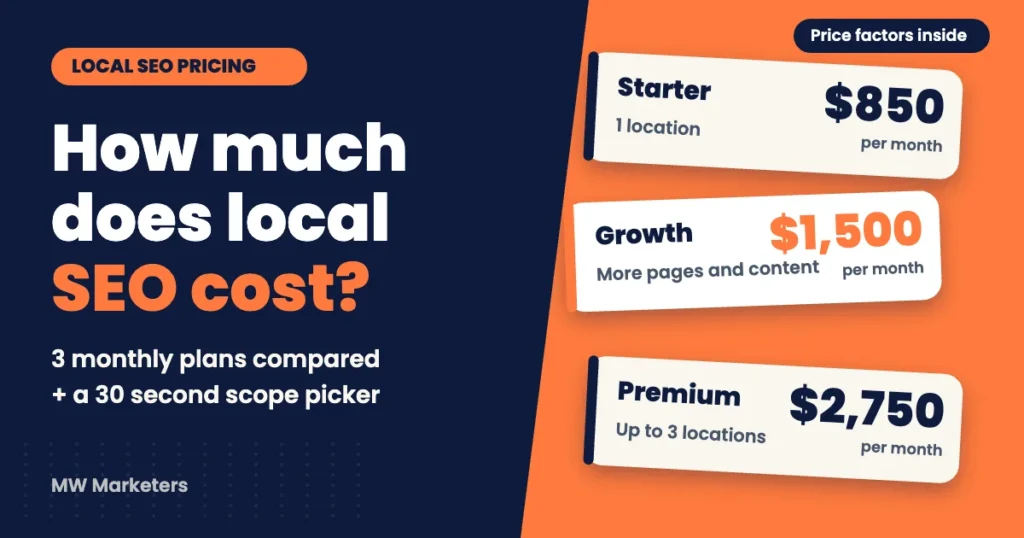
How Much Does Local SEO Cost? A Guide for Small Businesses
See what local SEO costs per month, what affects the price and what a quote should include. Use a quick…
 Anus Anwar· 7 min read
 SEO Guides
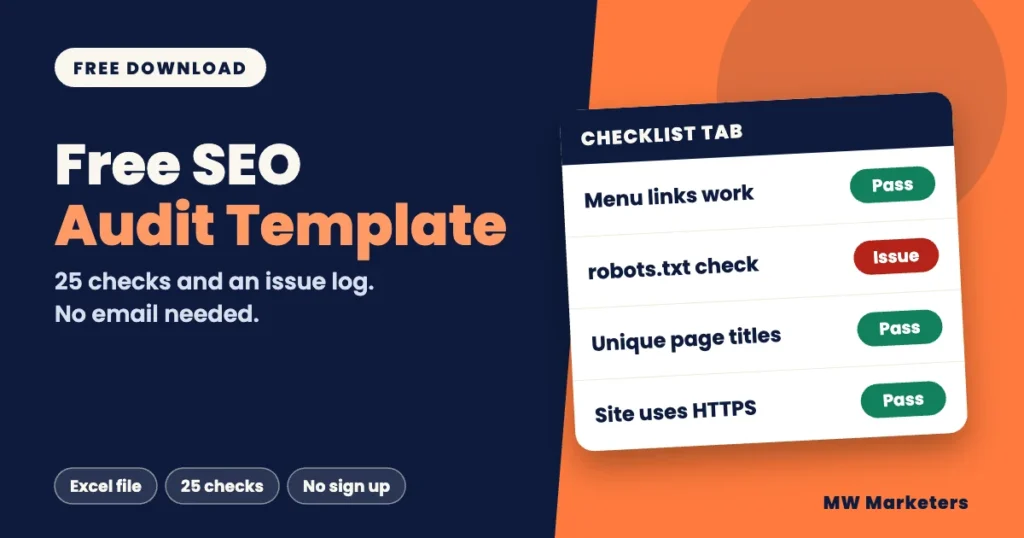
SEO Audit Template: A Free Worksheet You Can Fill In Today
Download a free SEO audit template with a 25-item checklist and an issue log. No email needed. See how to…
Anus Anwar· 8 min read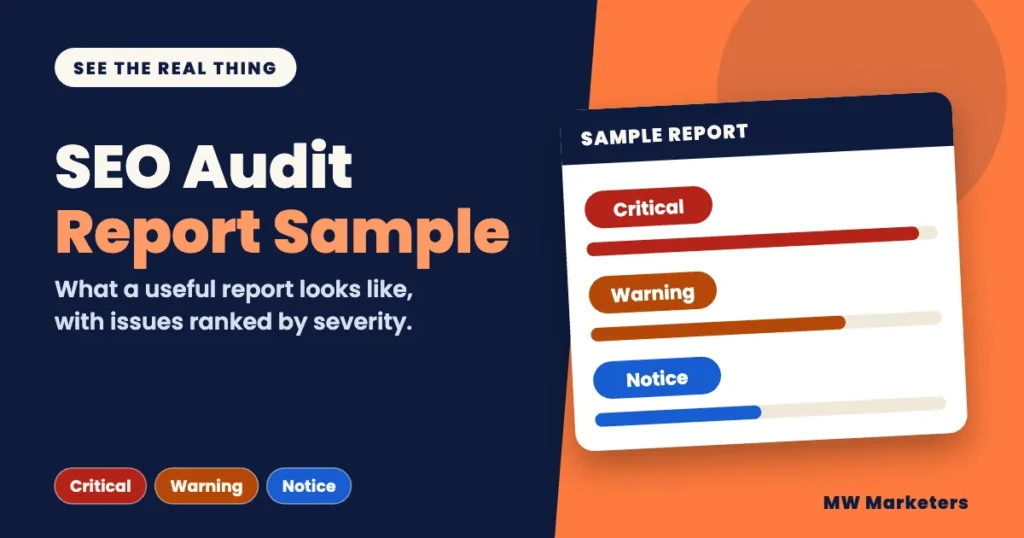 SEO Guides
SEO Audit Report Sample: What a Useful Report Looks Like
See a labeled SEO audit report sample with severity levels, example pages and fix steps, plus a quality check to…
Anus Anwar· 13 min readReady to fix what is holding your website back?
Tell us about your site and we will reply within one business day.
Contact Us